
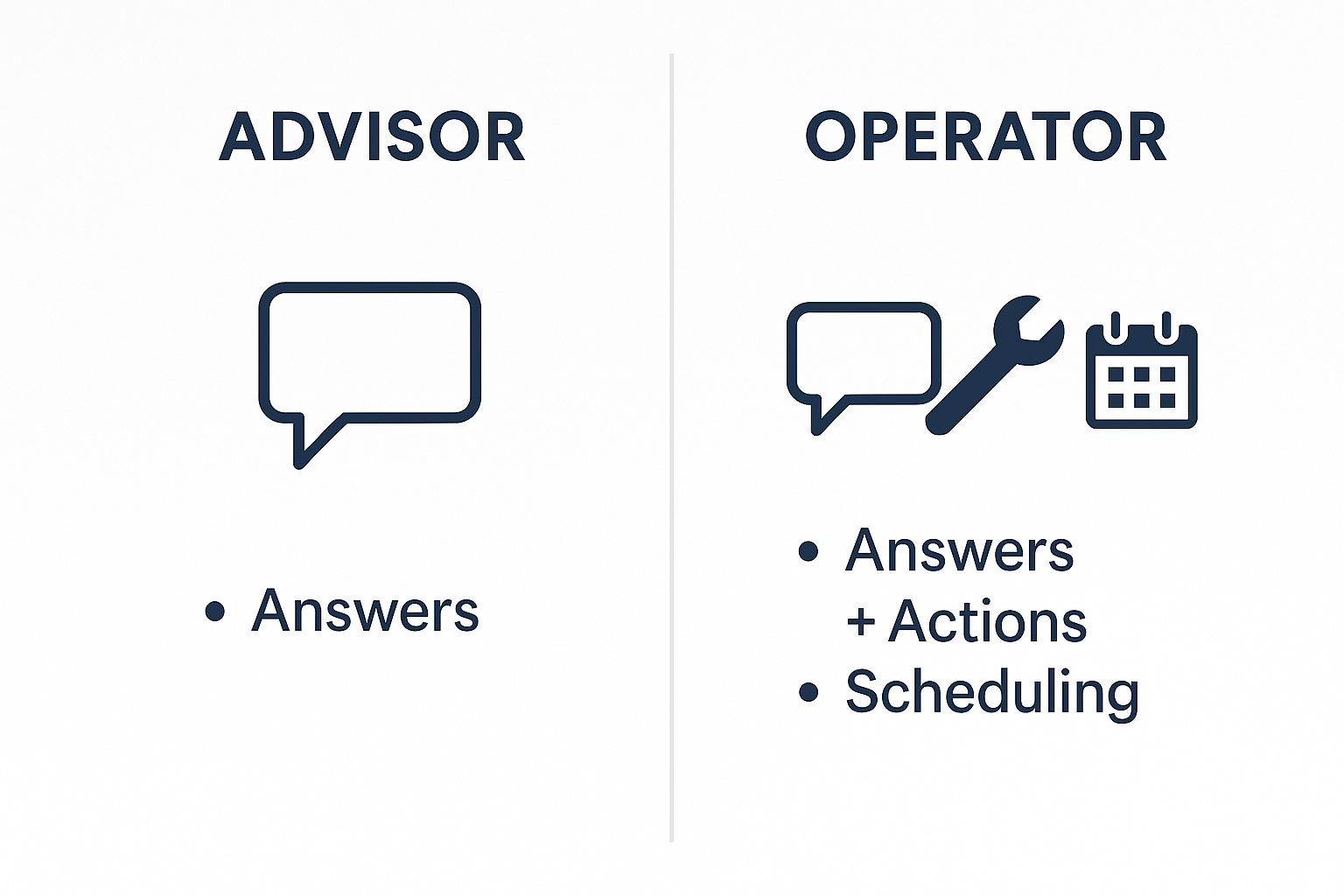
Most AI tools answer. OpenClaw executes.
Claude and ChatGPT are strong at explanation and drafting. OpenClaw is built for the next step, actually doing the work.
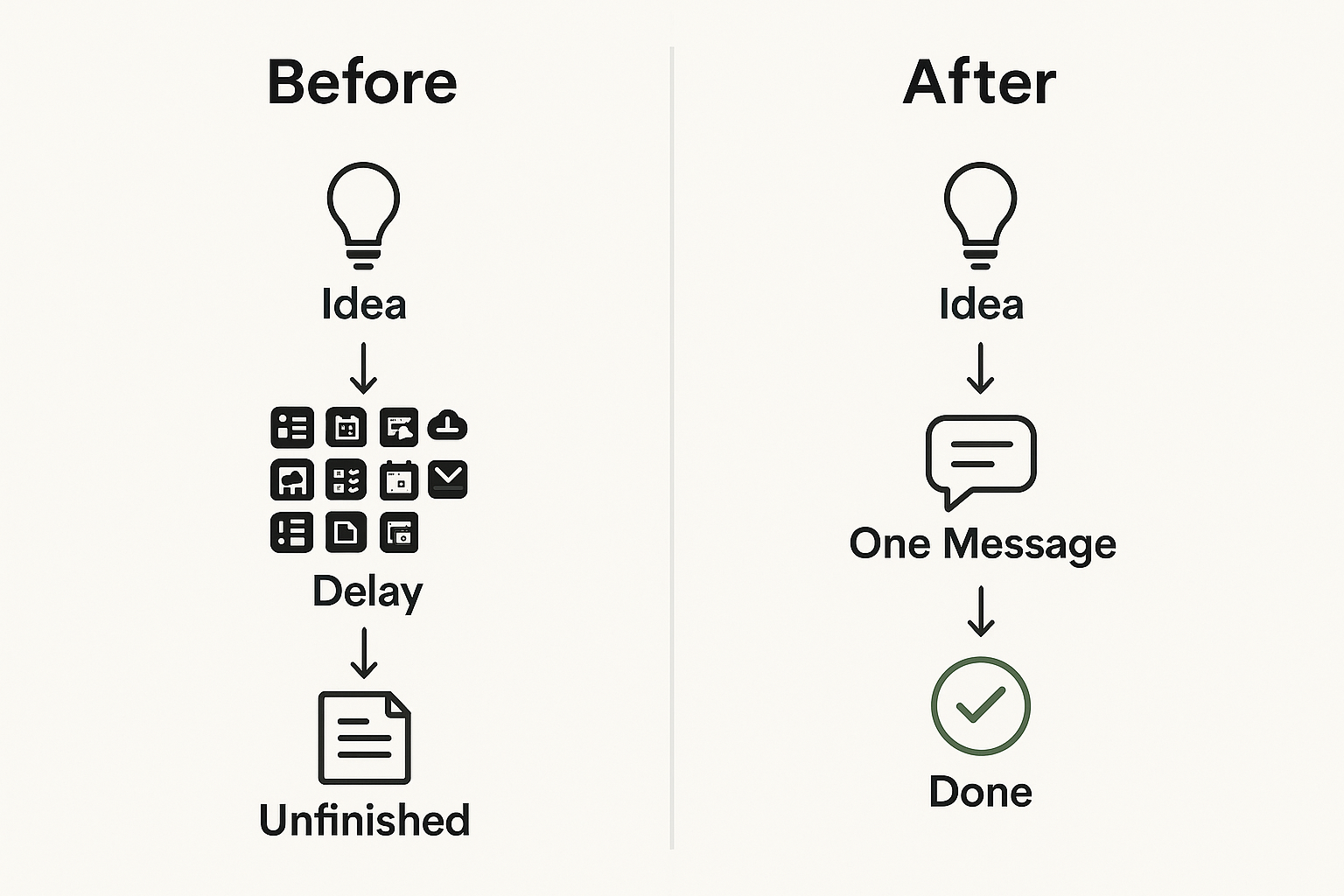
In practice, that means less tab switching, less copy-paste, and fewer dropped tasks between idea and completion.
The real bottleneck is friction
The biggest productivity drag is not effort, it is workflow friction. Open app, find context, repeat instructions, then do manual follow-up.
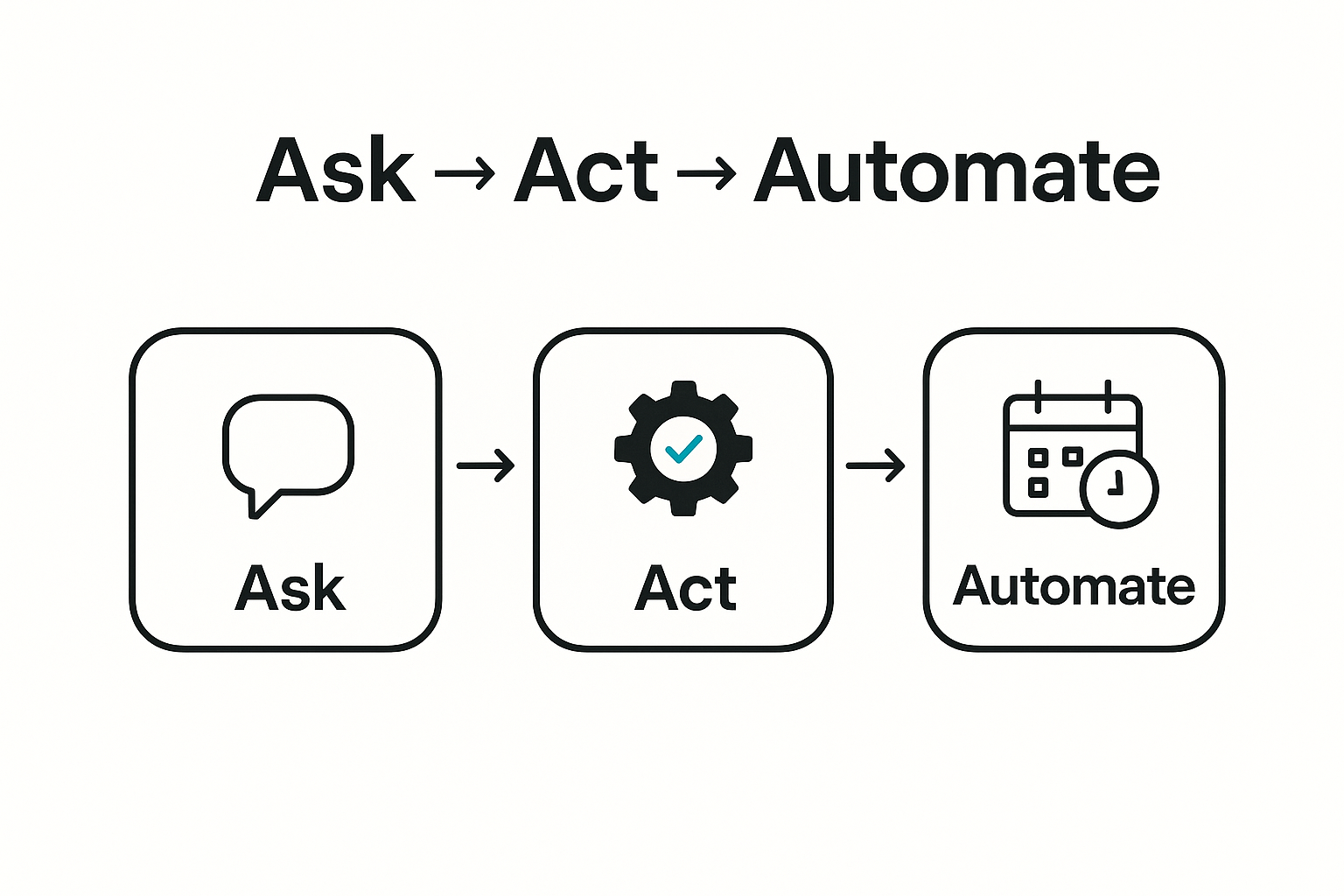
OpenClaw compresses this into one loop: ask, act, automate.
Where OpenClaw is better, and why big AI apps do not do it the same way
Why OpenAI and Anthropic do not ship this exact model in their core products: they optimize for a broad, tightly managed, mass-market experience with strict guardrails.
OpenClaw is optimized for owner-level control and practical automation across your stack. Different product constraints lead to different outcomes.
- It executes tasks, not just instructions.
- It runs inside your real workflows, not only in a chat window.
- It supports background jobs and precise scheduling.
- It is deeply customizable for your exact operating style.
- It is built for ask → act → automate as one system.
Simple examples anyone can understand
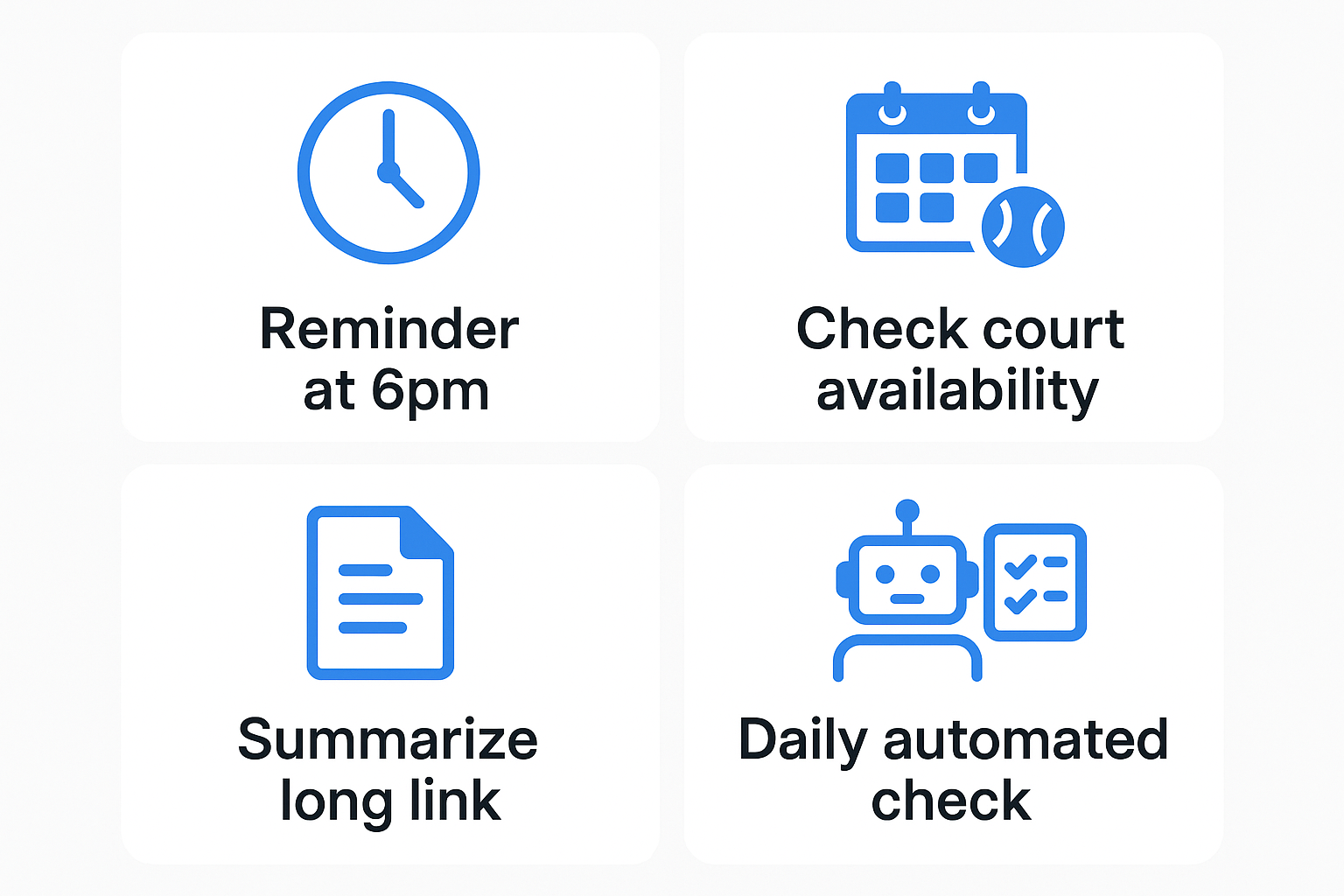
- Remind me to call mom at 6pm. OpenClaw sets and fires the reminder.
- Find open tennis slots this week. OpenClaw checks and returns availability.
- Summarize this long link. OpenClaw fetches, distills, and formats.
- Run this every morning. OpenClaw automates it.
Compounding improvement in real life
In one real example, OpenClaw assumed a 90-minute pickleball event. A friend said it was too short, so OpenClaw updated it to 3 hours and remembered that preference for future bookings.
That loop (assume, get feedback, fix, learn) is where compounding value happens. Every correction reduces future friction and improves outcomes over time.
This reduced back-and-forth and cut repeat edits on future bookings.
It also frees your mind from clicking through multiple tools, you communicate naturally, the same way you would with a person.
You can do pieces of this in other assistants. OpenClaw gives the full operational loop in one place.
If your metric is time from "I should do this" to "done", OpenClaw wins by reducing execution friction.
Ask + Check + Reserve
operator
Courts open Friday afternoon?
openclaw
Checked, yes.
operator
Reserve one.
openclaw
Reserved.
Feedback + Fix
operator
Friend says 90 minutes is too short.
openclaw
I increased the playing time to 3 hours and updated the event.
Learn for Future
operator
Remember this for future events.
openclaw
Saved rule: default pickleball bookings to 3 hours unless changed.
PS: Drafting, edits, image and layout iterations, and code changes for this post were executed with OpenClaw.